
It is twenty past seven on King Fahd Road, and the brake lights stretch as far as you can see. In Amman, someone else is inching along the Airport Road with the same view and the same radio chatter. Forty minutes a day, five days a week, and most of that time leaves no trace at all.
Many of us say we would read more if we had the time. The odd thing is that the time is already there. It sits between the front door and the office car park, every morning and every evening.
This article is about using that time well. It covers what Durar looks like on Apple CarPlay and Android Auto, how the player behaves, how downloads keep playing when the signal drops, and why some features are missing from the car screen on purpose.
Even if you never open Durar, you will leave with a few habits for listening to anything in the car more safely and with more attention.
Why the commute is the easiest place to learn during the week
Most learning plans fail because they need a new slot in an already full day. The commute does not. It happens whether you plan it or not, at roughly the same time, for roughly the same length.
A Durar summary gives the key ideas of a book in about fifteen minutes. On a forty-minute daily round trip that is room for two summaries, with a few minutes to spare for silence or a phone call home.
Oliver Burkeman's Four Thousand Weeks starts from the fact that the average human life lasts only about four thousand weeks. You do not need to fill every one of those minutes. But the ones you spend in traffic anyway are a fair place to start choosing better.
What Durar shows on the CarPlay and Android Auto screen
When your phone connects, Durar appears on the car display with three tabs: Home, Recents and Library. That is the whole layout, and it is meant to be readable at a glance.
Home holds three rows. Continue listening is the summary you were last in. Free summary of the day is open to everyone, every day, whether or not you subscribe. Picks for you suggests what to hear next.
Recents splits into Continue listening and Recently started, which helps when you have opened a few summaries over the week and want to go back to one. Library mirrors what you have built in the app: In progress, Saved, Finished and Downloads.
If you save summaries on your phone the night before, they wait for you under Saved in the morning. The car screen is only a window onto choices you have already made.
The player, and how it picks up where you stopped
The car player keeps to the controls you actually need: play and pause, back 10 seconds, forward 10 seconds, next, and playback speed. There is nothing to scroll through while the car is moving.
Back 10 seconds earns its place. A lorry changes lanes, a child asks a question from the back seat, and you miss a sentence. One press and the idea comes round again.
When the car connects, the summary you were in the middle of is ready at the spot where you left it. You may have stopped on the sofa last night or in the queue at the coffee shop at lunch. In the car, one press of Play carries on.
When a summary ends, the next one can start by itself, just as it does in the app. That small detail matters more than it sounds, because it means your hands stay on the wheel.
Listening without signal: downloads for tunnels and desert roads
Anyone who drives between cities knows the moment. You are on a long stretch of desert highway, or you enter a tunnel, and the bars on your phone drop to nothing. Streaming audio stutters, then stops.
Subscribers can download summaries in the app and listen offline. Downloads play in the car without any signal, and they sit in their own Downloads row in the Library tab.
A useful habit, with or without Durar, is to download before any trip longer than an hour. Do it on home Wi-Fi the evening before, and you will not have to think about coverage at all.
One honest note: summaries that are locked for free accounts are hidden on the car screen. If you are not signed in, sign in on the phone, not in the car. The free summary of the day remains available either way.
Arabic or English in the car: how the language works
Every summary in Durar exists in both Arabic and English, there are 1,000 of them, and new titles are added every week. Many listeners in the Gulf and Jordan move between the two languages in the same day, sometimes in the same sentence.
The car screen follows the app's language. If your app is in Arabic, the tabs and titles on the dashboard appear in Arabic; if it is in English, they appear in English. The content you hear follows the listening language you set in the app.
Some people use this deliberately. A student preparing for study abroad may listen in English on the way to university to train the ear, then read the same summary in Arabic at night to check the details. The switch happens on the phone, from the summary page, before the drive.
What is not on the car screen, and why that is a good thing
There is no search and no typing on the Durar car screen. This is by design. A search box invites you to look down and spell, which is exactly what a driver should not be doing.
Guided meditations are not offered in the car either. A meditation asks you to relax and turn inward, and the driver's seat is the wrong place for that. Keep those for home.
The habit that follows is simple: choose before you drive. Pick the summary while the car is parked, press Play, and let the next one start by itself. If you change your mind mid-journey, it can wait for the next traffic light, or better, the next car park.
Speed is worth a word too. Faster playback can be tempting, but on a busy road it is wiser to keep a pace you can follow without strain. Save the quicker setting for the quiet road home late in the evening.
Making the drive count without turning it into a contest
Durar is a learning app, not a game. There are no streaks, no flames and no punishment for a missed day. You set a weekly goal in days per week, earn a pearl for every finished summary, and move through levels from Bronze to Legend at your own pace.
That fits the reality of commuting. Some weeks you drive every day; some weeks you work from home, travel, or spend Thursday evening driving family to a gathering with no room for a summary. Nothing is lost.
What helps most is a small moment after you park. Before you get out, say one idea you heard out loud, or note it later in Library under Highlights when you read the text version. Listening fills the mind; recalling is what keeps it there.
Start with today's free summary
Listen freeA free summary every day, on your phone, the web, or the car screen.Summaries mentioned in this article
Four summaries that suit the drive, each about fifteen minutes, each in Arabic and English.
 The 5 Second RuleMel RobbinsMel Robbins shows how counting down 5-4-3-2-1 and moving before your mind talks you out of it can help you get past hesitation, fear and self-doubt.Listen to the summary →
 How to Win Friends & Influence PeopleDale CarnegieDale Carnegie's principles for getting along with others, from remembering names and listening well to avoiding criticism, are a practical start to the working day.Listen to the summary →
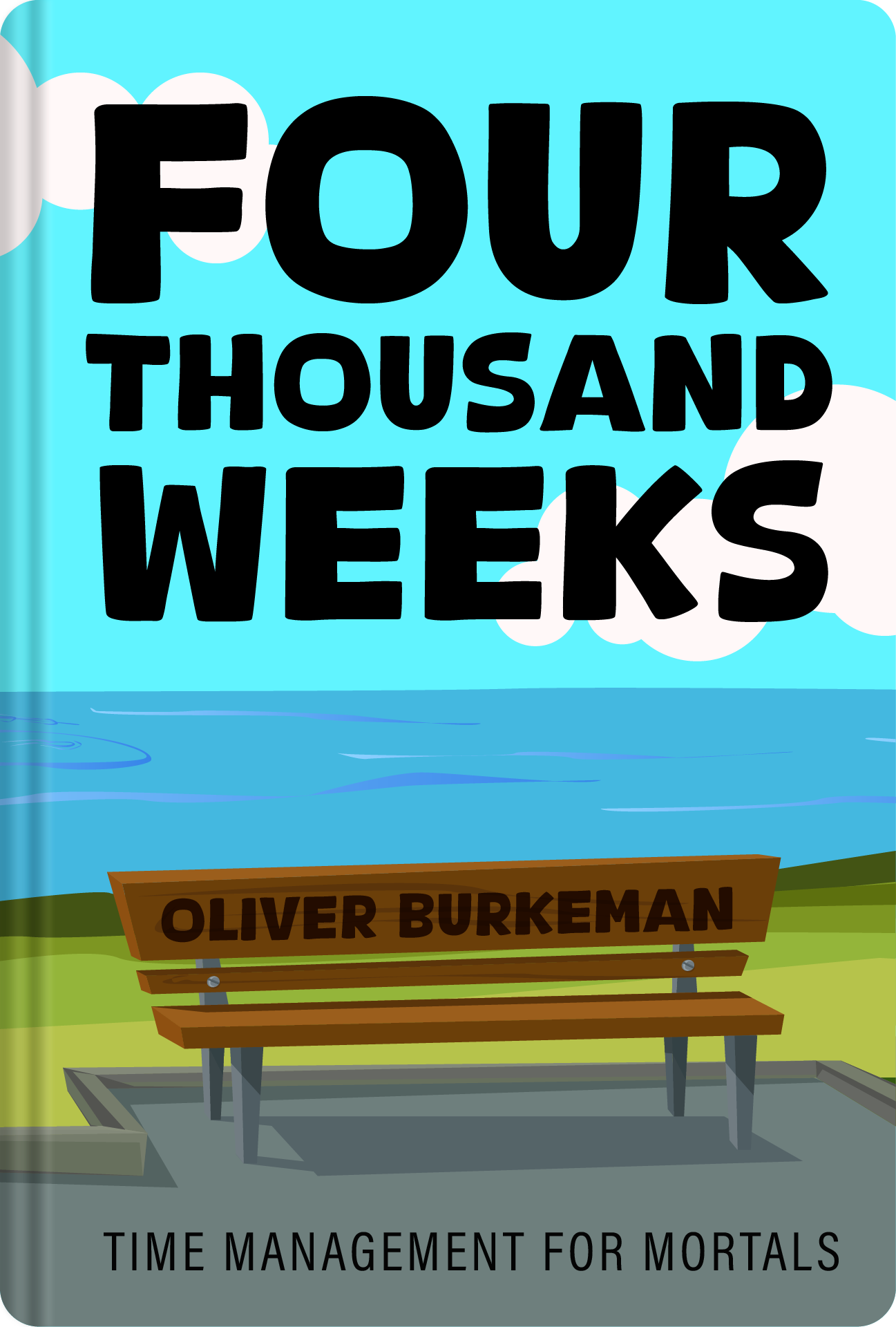 Four Thousand WeeksOliver BurkemanOliver Burkeman argues that we can never do everything, and asks you to accept your limits and choose deliberately what matters in the roughly four thousand weeks of a life.Listen to the summary →
 SapiensYuval Noah HarariYuval Noah Harari traces how language, shared stories, agriculture, trade and science allowed humans to cooperate on a large scale, a good companion for a longer drive.Listen to the summary →
Try this week
Nothing here needs more than a minute, and most of it happens before you start the engine.
- Tonight, save two summaries on your phone so they wait for you under Saved in the morning. If you are a subscriber, download them on home Wi-Fi as well.
- Before you leave the car park, press Play on Continue listening and leave the phone alone until you arrive.
- Let the next summary start by itself rather than reaching for the screen. If you want something else, change it at your destination.
- After you park, say one idea from what you heard out loud before you get out. Do it three days this week and notice how much more stays with you.
If you miss a day, nothing happens. The summary will be waiting at the exact spot where you stopped.
The traffic will be there tomorrow either way; what you hear in it is up to you.
Take 1,000 summaries on the road
Try 14 days freeThe yearly plan includes 14 days free. Cancel any time before it ends and nothing is charged.Questions people ask
Can I listen to book summaries on CarPlay and Android Auto?
Yes. Durar works on Apple CarPlay and Android Auto, with three tabs on the car screen: Home, Recents and Library. You can play, pause, skip 10 seconds back or forward, move to the next summary and change playback speed.
Does Durar play in the car without internet?
Subscribers can download summaries in the app, and downloads play in the car without any signal. They appear in the Downloads row of the Library tab, which helps in tunnels and on long desert roads.
Why can't I search for a summary on the car screen?
There is no search and no typing on the Durar car screen, by design, because they pull a driver's eyes away from the road. Choose or save your summaries on the phone before you drive, and they will be ready in the car.
Can I listen in Arabic or English in the car?
Yes. The car screen follows the app's language, and what you hear follows the listening language you set in the app. Every summary exists in both Arabic and English, and you can switch from the summary page on your phone.